StaffFlow

Timesheets in.
Invoices out.
Same day.

StaffFlow turns consultant timesheets into QuickBooks invoices automatically — so you bill the day hours arrive, not two weeks later.

For IT staffing firms running on QuickBooks

TIMESHEET RECEIVEDMon 06 Jul
HOURS EXTRACTED40.00
INVOICE CREATEDMon 06 Jul

Days to bill 0

How it works

Four steps, none of them yours.

01

A timesheet arrives

Your consultant emails it, as they always have. Nothing changes for them.

02

Hours are read

Any format — grid, PDF, spreadsheet, or hours typed in the email body.

03

Numbers are checked

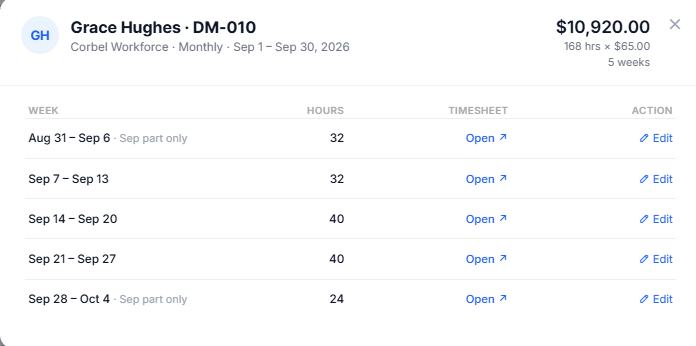
Every total is reconciled against the document. Anything uncertain is held, never guessed.

04

You approve. It bills.

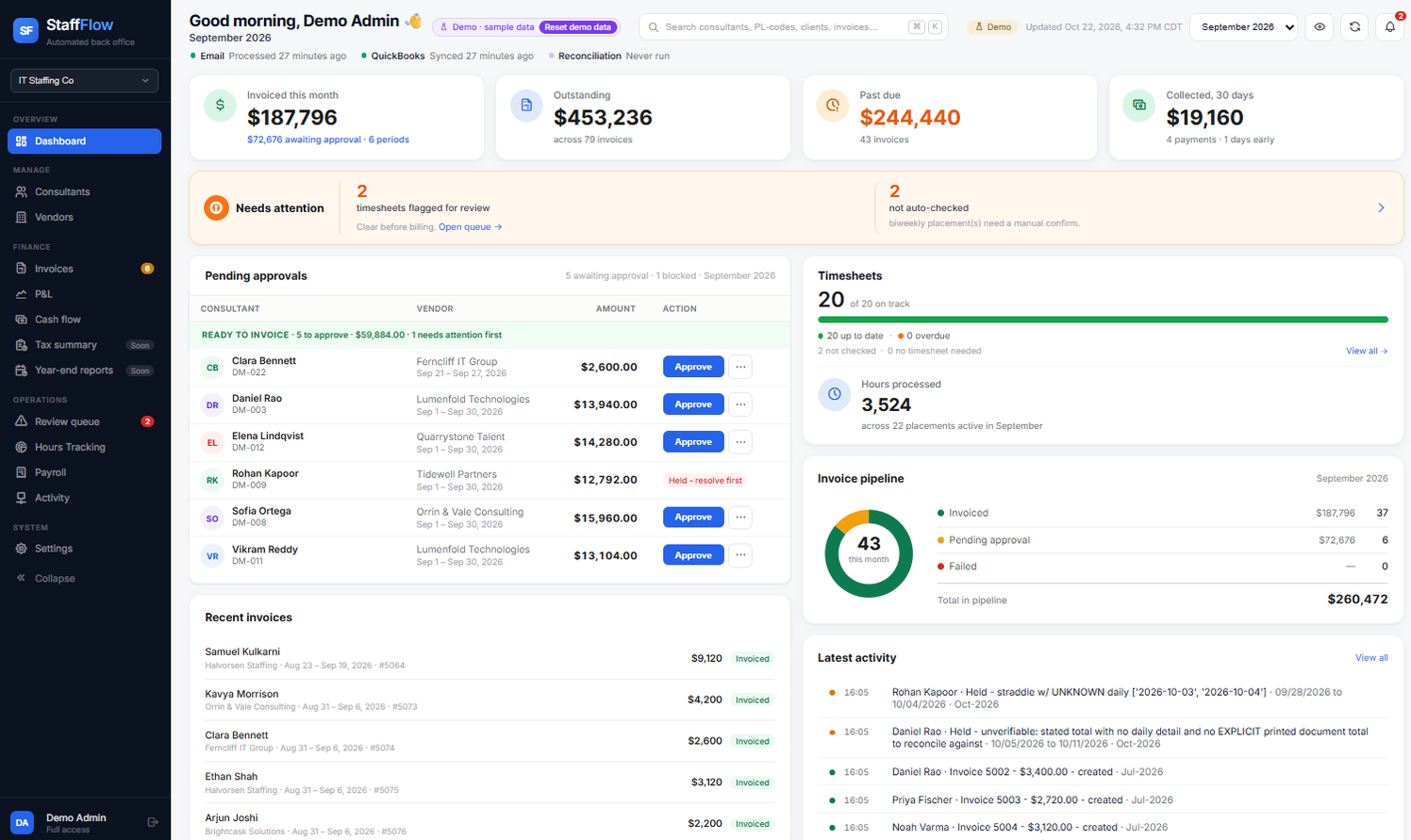
One click creates the QuickBooks invoice, with the timesheet attached as proof.

Where your data lives

Your records stay yours.

Timesheets stay in your OneDrive. Invoices stay in your QuickBooks. StaffFlow reads from your systems and writes back to them — it never becomes a second place your client records live.

We hold what the automation needs: your placement and rate configuration, the hours billed, and error logs. Not your books.

To read a timesheet, its contents pass through Microsoft Azure and OpenAI. We name every processor in the privacy policy, and say plainly what each one sees.

Never guesses

When the numbers don't reconcile, StaffFlow refuses to bill.

A wrong invoice costs more than a late one. Every figure is checked against the source document before it reaches your books, and anything it can't prove is held for you to look at.

Get in touch

hello@staffflowpro.com